
Voxtral Text to Speech: Generate Lifelike AI Audio Instantly
Paste your text, pick a voice, and download studio-quality audio in seconds. Powered by Mistral AI's Voxtral TTS — the open-source model that outperforms ElevenLabs Flash v2.5 in blind listening tests. No signup. No API key. No credit card.
Before you generate, see the evidence in our independent Voxtral TTS review (tests and benchmarks).
Voxtral TTS ReviewYour generated audio will appear here
0 characters · Estimated cost: Free
How to Generate AI Speech with Voxtral TTS
Three steps. No account. No API key. Under 30 seconds.
Paste Your Text
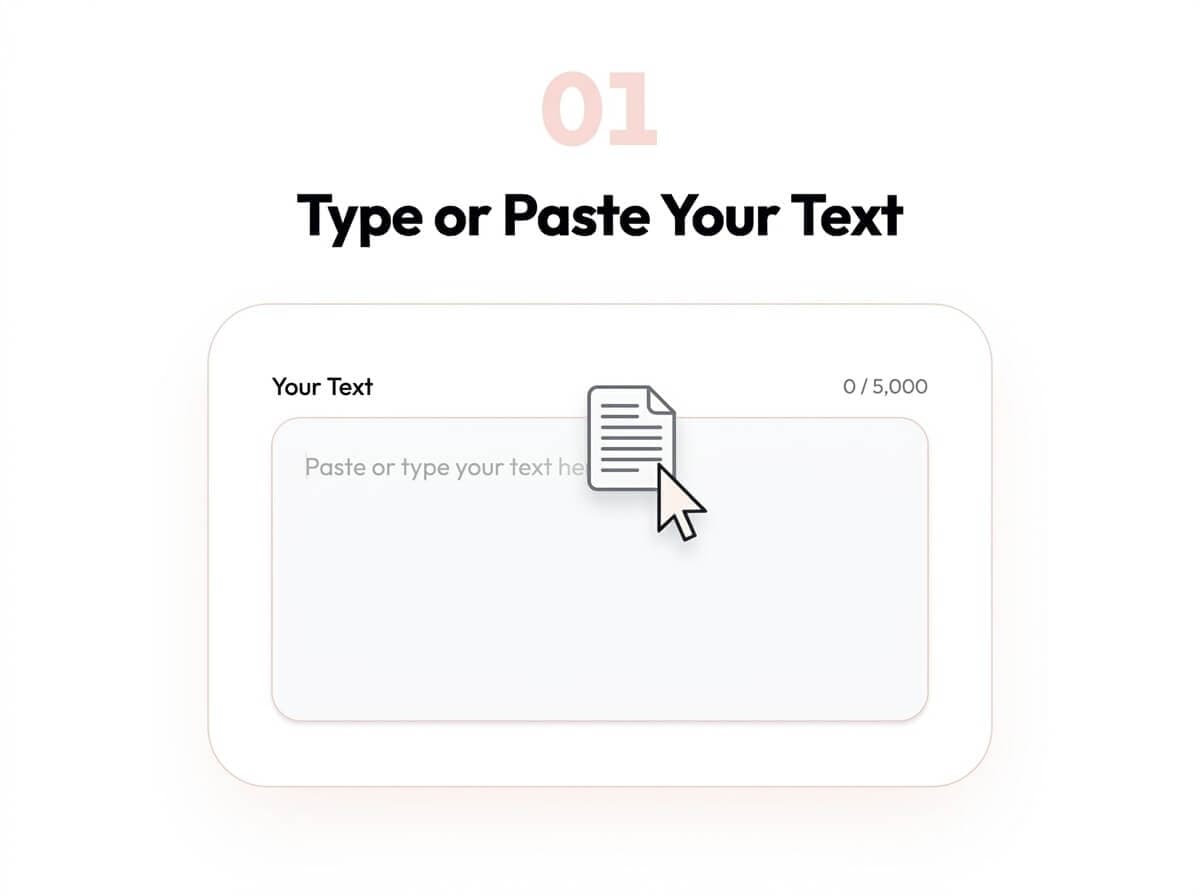
Type or paste anything — a podcast script, a product announcement, an email, a course narration — up to 5,000 characters. No reformatting needed.
Choose or Clone a Voice
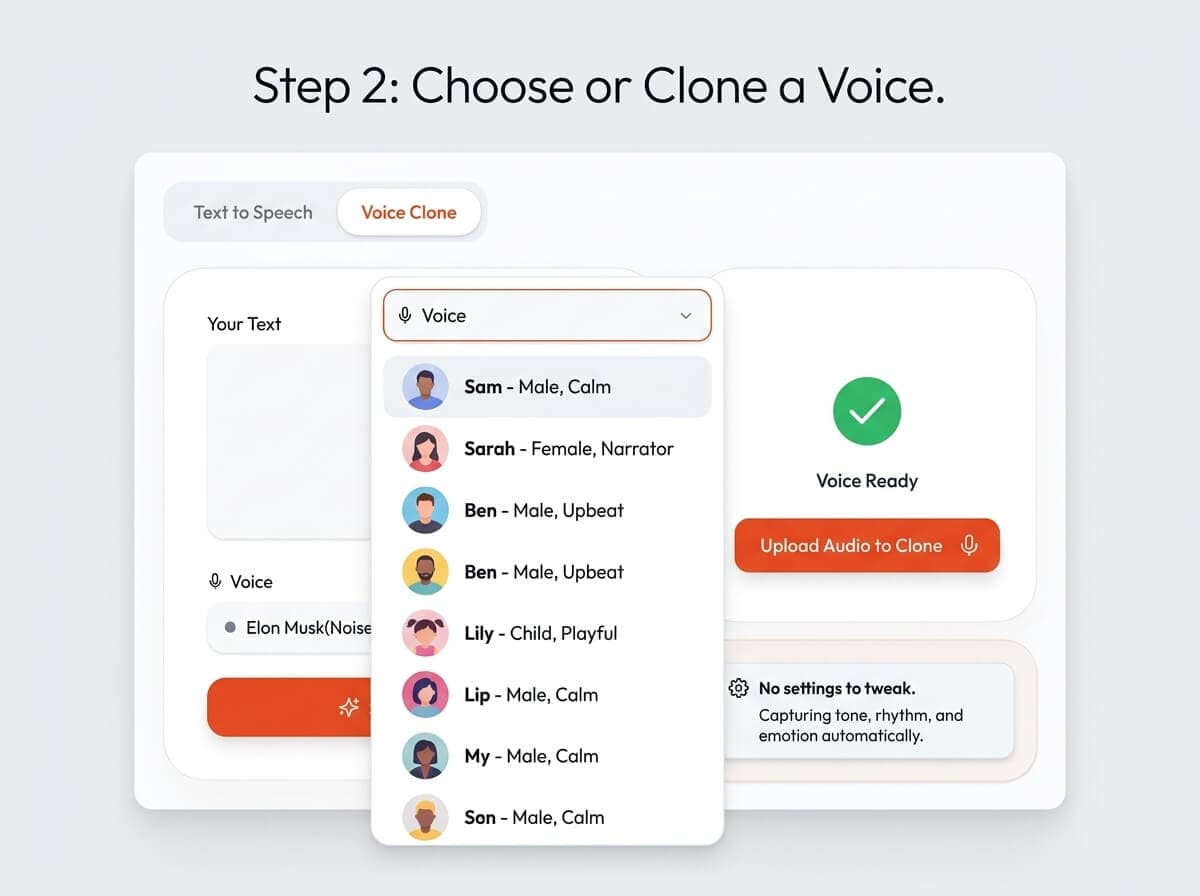
Select a preset voice for instant results, or upload a 2–3 second audio clip to clone any voice. The model captures tone, rhythm, and accent automatically — no settings to adjust.
Generate and Download
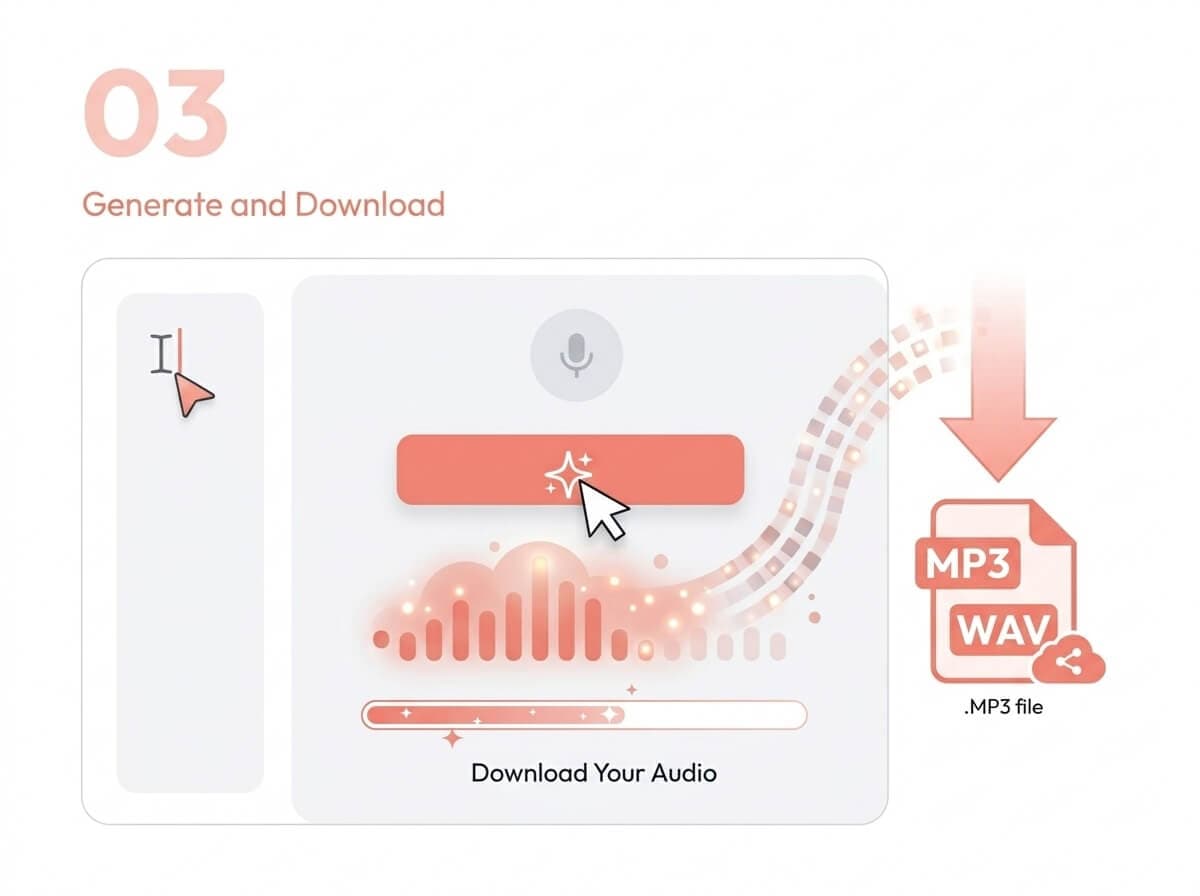
Click Generate. Your audio is ready in under a second. Download as MP3 or WAV with no watermarks, no restrictions.
What Voxtral Text to Speech Can Do
Clone Any Voice in Seconds
Upload a 2–3 second audio reference and Voxtral TTS replicates that voice for any text you provide. No fine-tuning. No tags. Just upload and generate.
Generate Speech in 9 Languages
English, French, German, Spanish, Dutch, Portuguese, Italian, Hindi, and Arabic — all from a single model. Switch languages in one click.
Results in Under a Second
Voxtral TTS achieves 70ms model latency with a real-time factor of ≈9.7x. What you click, you hear — almost instantly.
Start Generating Without an Account
Our free tier lets you generate audio right now — no account, no API key, no credit card. Create an account only if you want to save history or increase your daily limit.
What People Use Voxtral Text to Speech For
Podcasters & YouTubers
Generate consistent AI narration for intros, ad reads, or full episodes — without booking studio time. Your voice or any voice, on demand.
Developers & Product Teams
Integrate via the Mistral API or test output quality here before writing a single line of code. Voxtral TTS is the fastest path from text to audio in your pipeline.
E-Learning & Course Creators
Turn slide scripts and lesson text into professional narration in minutes. Batch-generate module audio without re-recording when content changes.
Customer Support & IVR Teams
Produce natural-sounding IVR prompts and chatbot voice-overs that don't make callers hang up. Update scripts instantly — no studio re-booking required.
Global Content Teams
Deliver your content in 9 languages from one model. No managing separate TTS vendors per region. One API, one voice standard, nine markets.
Why Teams Trust Voxtral TTS
68.4%
Win rate vs ElevenLabs Flash v2.5 in blind listening tests
70ms
Model latency — fast enough for real-time voice agents
9
Languages supported natively by a single model
4B
Parameters — open-source, self-hostable via Hugging Face
Voxtral TTS was released by Mistral AI in 2026 and independently tested by multiple reviewers. In standardized blind listening tests, it outperformed ElevenLabs Flash v2.5 in 68.4% of comparisons and was rated at parity with ElevenLabs v3. Read our full review →
Frequently Asked Questions
Is Voxtral text to speech free to use?
Yes — you can generate audio immediately without creating an account or entering a credit card. Our free tier includes a daily usage limit. For higher volume, you can connect your own Mistral API key or upgrade to a paid plan.
How do I clone a voice using this tool?
Click the "Clone a Voice" tab in the voice selection panel, upload any audio clip that is 2–3 seconds or longer (MP3 or WAV), and click Generate. The model reads the intonation, rhythm, and accent of your clip and applies them to your input text. No settings to configure — upload and go.
What languages does Voxtral text to speech support?
Voxtral TTS natively supports 9 languages: English, French, German, Spanish, Dutch, Portuguese, Italian, Hindi, and Arabic. You can select your target language from the Language dropdown before generating. The same underlying model handles all 9 — no switching between endpoints.
What file formats can I download?
You can download your generated audio as MP3 or WAV. Both formats are watermark-free. MP3 is smaller and works everywhere; WAV is uncompressed and preferred for professional production workflows.
How is this different from using the Mistral API directly?
This tool is a no-code interface on top of the Mistral API. You don't need a Mistral account, API key, or any technical setup. For developers who want to integrate Voxtral TTS programmatically, the Mistral API is available at console.mistral.ai — our tool is for testing output quality and generating audio without writing code.
Ready to Generate Your First AI Voice?
No signup. No credit card. Just paste your text and hit Generate.