
How to Use Voxtral TTS
Welcome to the official documentation for Voxtral TTS. This practical manual covers everything from voice cloning basics to production-ready AI speech generation. New here? Start with the Voxtral TTS model overview. Before diving into the setup, we also recommend exploring our comprehensive Voxtral TTS review (2026) to see how our model's 70ms latency and zero-shot fidelity compare to industry benchmarks.
Voxtral TTS Highlights
Zero-Shot Voice Cloning
Clone a voice from 2-3 seconds of reference audio without extra model training, then keep tone and speaking style consistent across longer scripts.
Real-Time Ready
Low-latency generation optimized for interactive products like voice assistants, live demos, and conversational AI workflows.
9 Languages
Generate natural speech across nine supported languages in one workflow, reducing the need to maintain separate voice stacks.
Open Source Foundation
Built on an open-source model foundation so teams can self-host in the future and avoid strict vendor lock-in.
Capabilities Guide
Follow these three steps in order. Each step is intentionally simple, but small input choices can make a large difference in final audio quality. If you are building for production, treat this as a repeatable workflow rather than a one-click process.
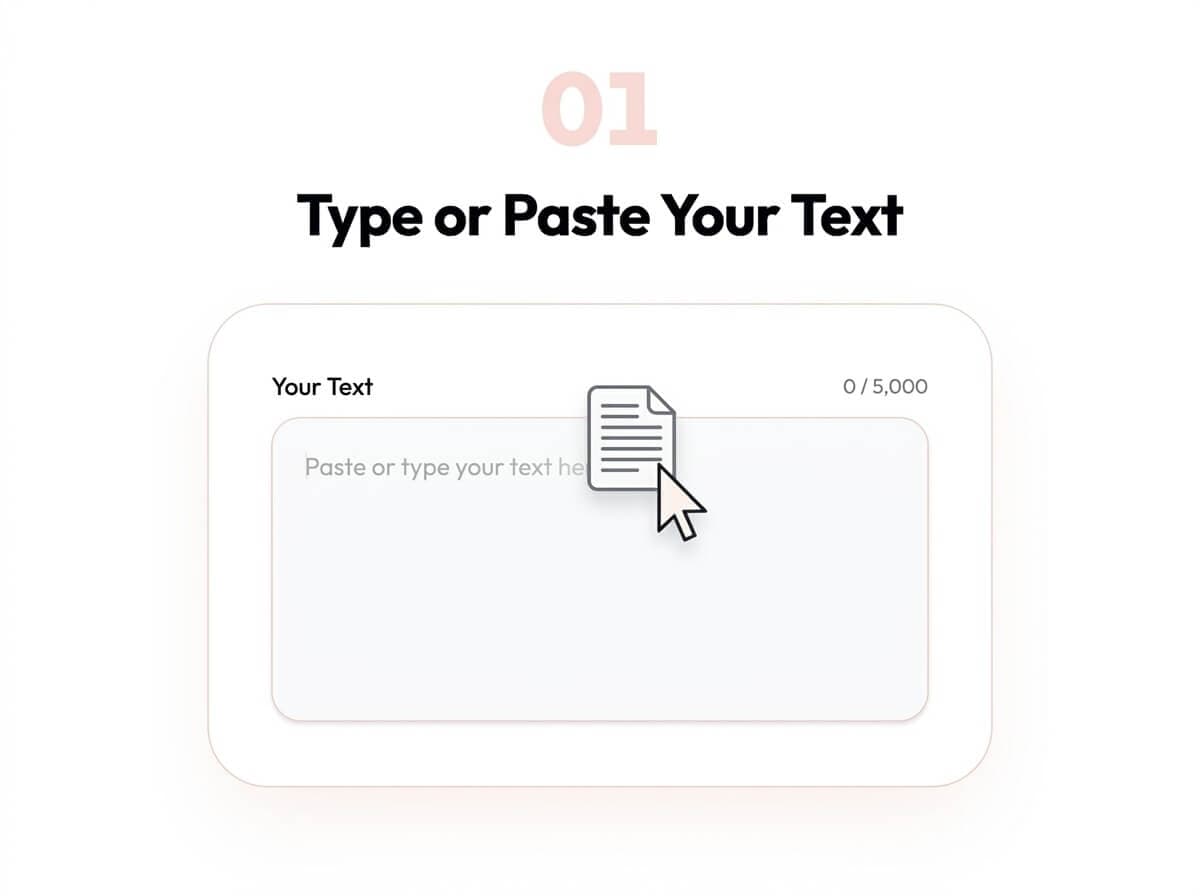
Type or Paste Your Text
Enter the script you want to convert to audio. You can start with a short paragraph, but long-form scripts also work well. Clear punctuation, sentence breaks, and paragraph spacing usually produce more stable rhythm and pause placement.
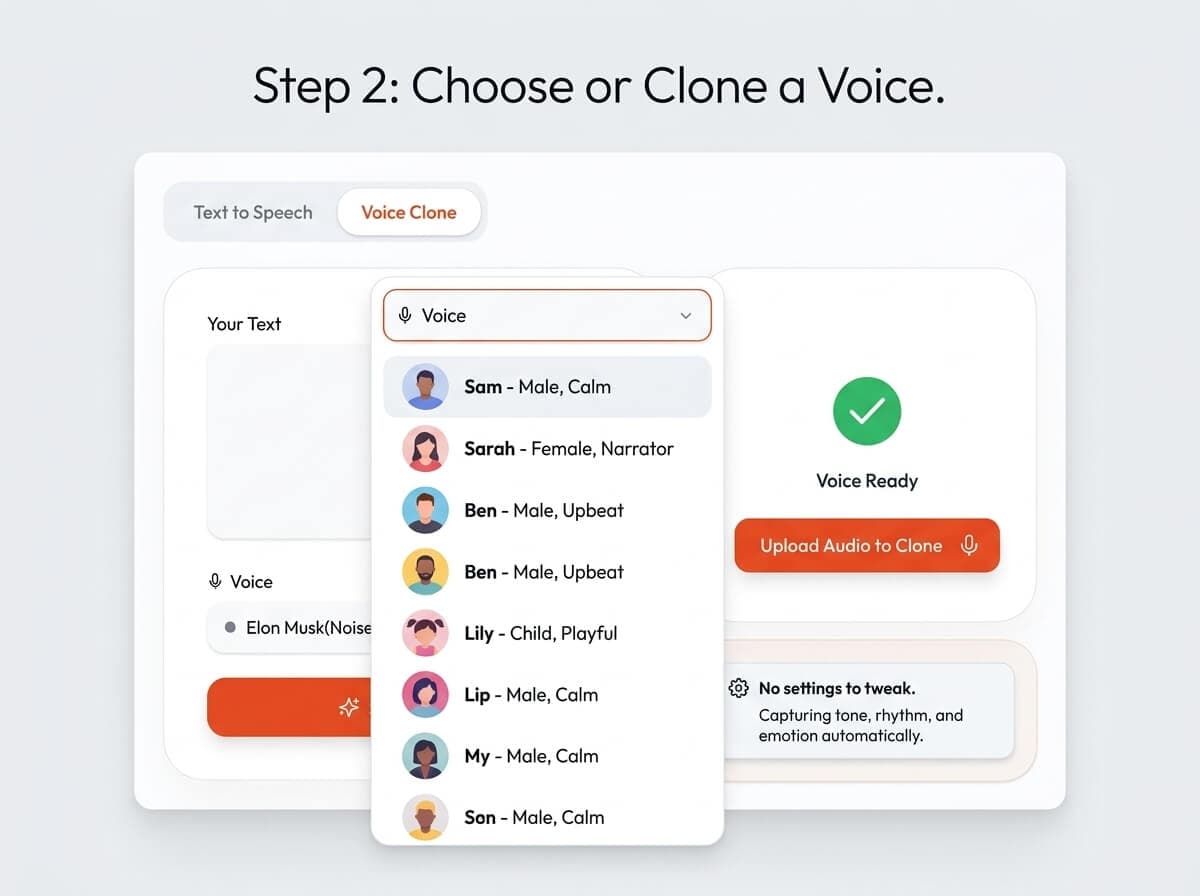
Choose or Clone a Voice
Pick a preset voice for speed, or upload a short reference sample to clone a specific speaking style. For the best quality, use a clean 5-10 second clip with minimal background noise and steady speaking pace.
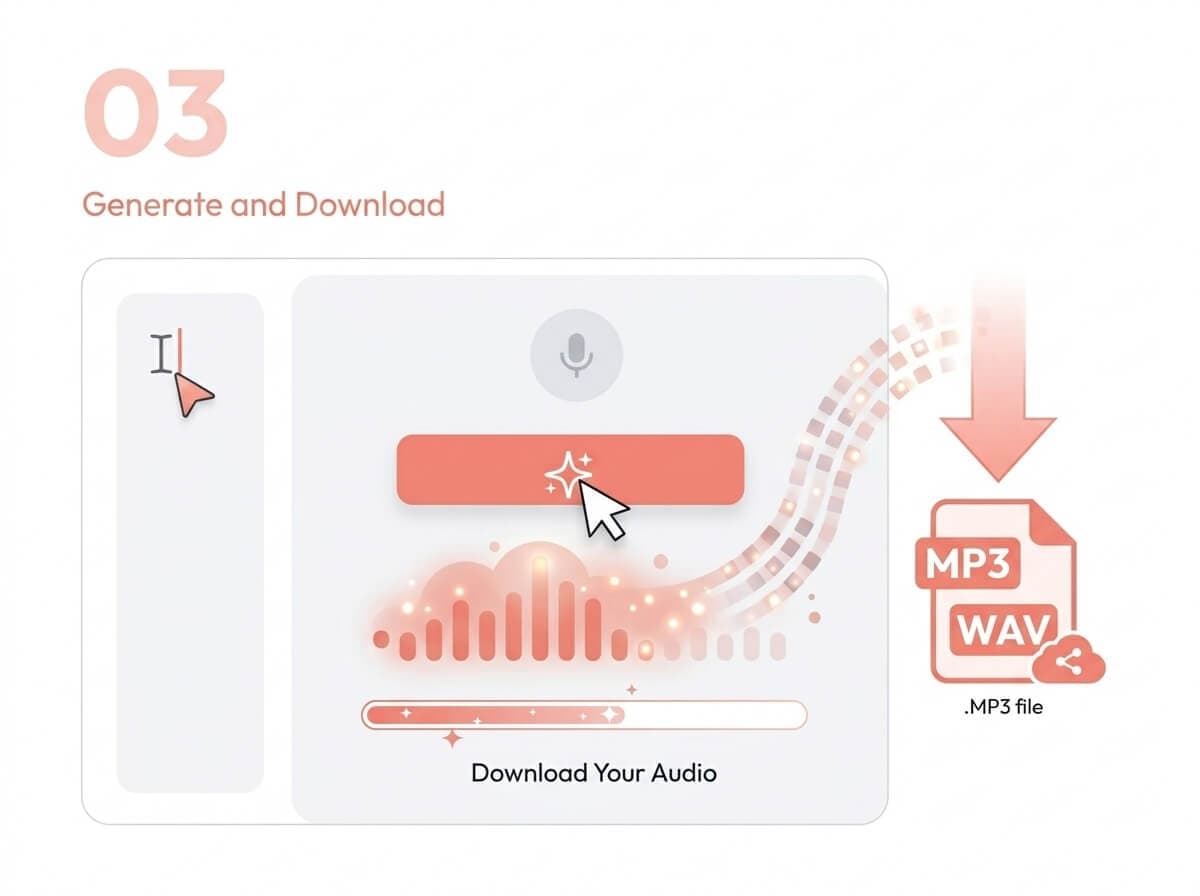
Generate and Download
Click generate, review the output, and export as MP3 or WAV. If the first result is not perfect, adjust text phrasing or reference audio and regenerate to quickly improve prosody and clarity.
Built for Every Creator
Voxtral TTS works for both solo creators and product teams. Use it for quick voiceover drafts, multilingual content localization, and low-latency voice experiences that need consistent output quality.
Podcast & Content Creation
Draft intros, ad reads, and narration quickly, then refine voice style and pacing without recording every revision manually.
Customer Support
Generate clear spoken responses and IVR prompts for common support scenarios, including multilingual routing and updates.
E-Learning & Training
Convert lessons, onboarding modules, and internal training content into audio at scale while keeping consistent pronunciation.
Voice AI Agents
Use low-latency output for conversational agents that need natural responses, short turnaround times, and stable voice identity.
Accessibility
Provide spoken versions of written content for users who prefer audio-first interfaces or require assistive reading support.
Multilingual Apps
Ship one product experience across multiple languages with a single TTS workflow and fewer localization bottlenecks.
Quality Best Practices
If you want consistently strong output, treat TTS generation like an editorial workflow. Most quality gains come from cleaner inputs, better script structure, and fast iterative testing.
Common Troubleshooting
Output sounds flat or robotic
Add punctuation and sentence rhythm markers. Rewrite long clauses into shorter lines and regenerate in smaller chunks.
Voice clone sounds inconsistent
Use a cleaner 5-10 second reference sample with stable speaking volume and minimal background noise.
Pronunciation is incorrect
Spell out acronyms, separate complex words with punctuation, and test alternative phrasing for difficult names.
Results vary between generations
Lock your text format and reuse the same reference clip. Change only one input parameter each time.
Frequently Asked Questions
What is Voxtral TTS?
Voxtral TTS is a text-to-speech model by Mistral AI focused on high-quality voice generation and zero-shot voice cloning. It is designed for both creator workflows and developer-facing product integrations.
Is Voxtral TTS free to use?
Yes. You can try it online for free to validate quality and workflow fit. For larger workloads, paid credits or API usage plans are more suitable for stable throughput.
How does voice cloning work?
Upload a short reference clip and Voxtral TTS transfers that vocal style to your new text output. Better results usually come from clean recordings, clear diction, and at least a few seconds of consistent speech.
Which languages does it support?
Voxtral TTS currently supports 9 languages in a single model workflow, which helps teams keep a unified pipeline instead of switching between multiple language-specific tools.
How long should my reference audio be?
A 5-10 second clean voice sample is a practical target for stable voice cloning. Very short clips can still work, but they often produce less consistent tone and pacing across long paragraphs.
How can I improve generation quality quickly?
Start by improving input quality: add punctuation, split long text into paragraphs, remove noisy reference audio, and regenerate with small iterative edits. Most quality issues are fixed by better input formatting.